


Artboard Studio
A unified creative workspace with AI tools for image and video generation, mockups, design, and automation to speed up content creation.
User Rating
4.0
Score
82
Free/Trial Support
Supported
Features
2 Features
Last Updated
Mar 06, 2026
What is Artboard Studio?
Artboard Studio is a cloud-based creative platform that integrates AI-powered image and video generation, a design editor, mockup library, and automation features in one workspace for creatives and agencies.
How to use Artboard Studio?
Access via web, use AI to generate or edit images/videos, design graphics with vector tools, create mockups, edit videos on a timeline, and automate batch tasks—no login or trial required to start.
Top Features
- AI image and video generation
- Mockup library
- Design editor with vector assets
- Video editing with timeline
- Background removal and upscaling
- Automation with data feeds
Pros & Cons
Pros
- All-in-one creative workspace
- No login or trial needed to start
- Powerful AI tools for content creation
- Trusted by global agencies
Cons
- Limited platform support (web-only)
- Customizability may be moderate for advanced users
Use Cases
- Marketing campaign design
- Product presentation with mockups
- Video content creation and editing
- Batch automation for graphics
User Groups
- agencies
- creatives
- teams
Artboard Studio Pricing
Free PlanSubscription Plan
No detailed pricing information available


Cover Preview
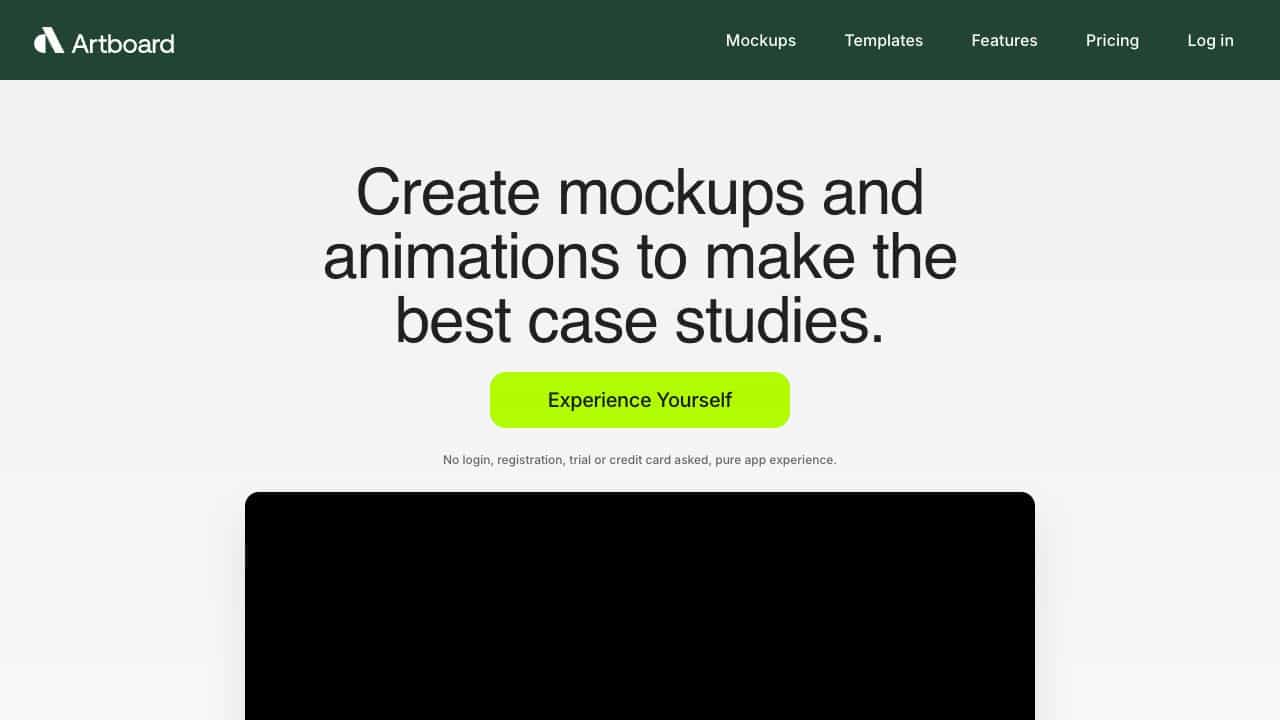
ARTBOARD STUDIO Features
- Mockup functionalityMockup
- Motion functionalityMotion