

cccolor
A clean and elegant color picker tool for web designers and developers, supporting HEX, RGB, HSL, and OKLCH formats with color palette generation.
User Rating
3.8
Score
78
Free/Trial Support
Supported
Features
1 Features
Last Updated
Mar 06, 2026
What is cccolor?
cccolor is a web-based color picker designed for CSS and HTML, offering a clutter-free interface with large color previews. It allows easy copying and conversion between color formats like HEX, RGB, HSL, and OKLCH, and generates color palettes including tints, shades, tones, warmer, cooler, and complementary colors.
How to use cccolor?
Paste a color value into the input field to see it displayed. Use the tool to convert between formats (e.g., RGB to HEX) and copy values with one click. Explore generated palettes for design inspiration and refine colors for web projects.
Top Features
- Color format conversion (HEX, RGB, HSL, OKLCH)
- Large color preview
- Color palette generation (tints, shades, tones)
- Easy copy functionality
- Clean and elegant interface
Pros & Cons
Pros
- User-friendly for web designers
- Supports multiple color formats
- Generates useful color palettes
- Free to use
Cons
- Limited to web platform
- No advanced customization options
Use Cases
- Web design color selection
- Converting color values for CSS
- Creating cohesive color palettes for projects
User Groups
- freelancers
- students
cccolor Pricing
Free Plan
No detailed pricing information available


Cover Preview
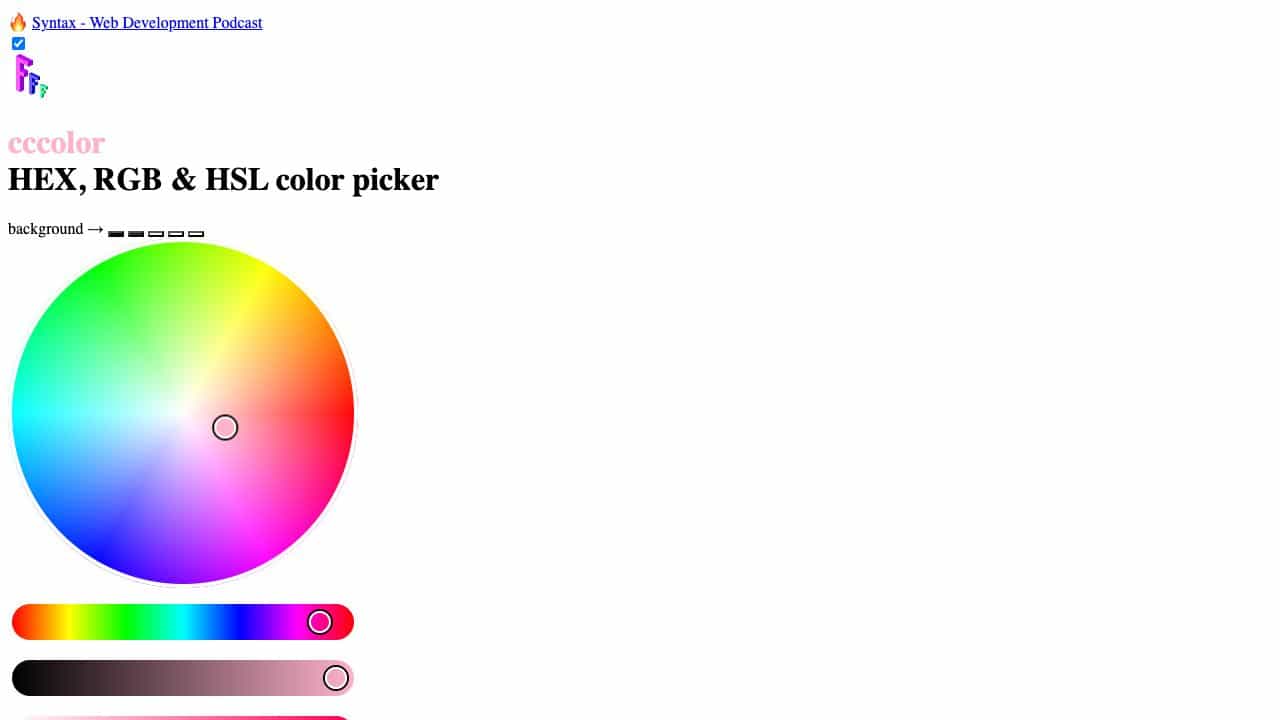
CCCOLOR Features
- Color Apps functionalityColor Apps