


Clean Copy - Chrome Extension
Smart copy assistant for AI conversations, supporting intelligent format conversion.
Score
60
User Rating
3.0
Free/Trial Support
Supported
Starting Price
--
Last Updated
Sep 08, 2026
Overview
What is Clean Copy?
Clean Copy is a smart copy assistant designed for AI conversation content, making it easier to copy and paste content between different platforms. It supports intelligent format conversion, automatically adapting to rich text or plain text.
What is Clean Copy used for?
Top Features
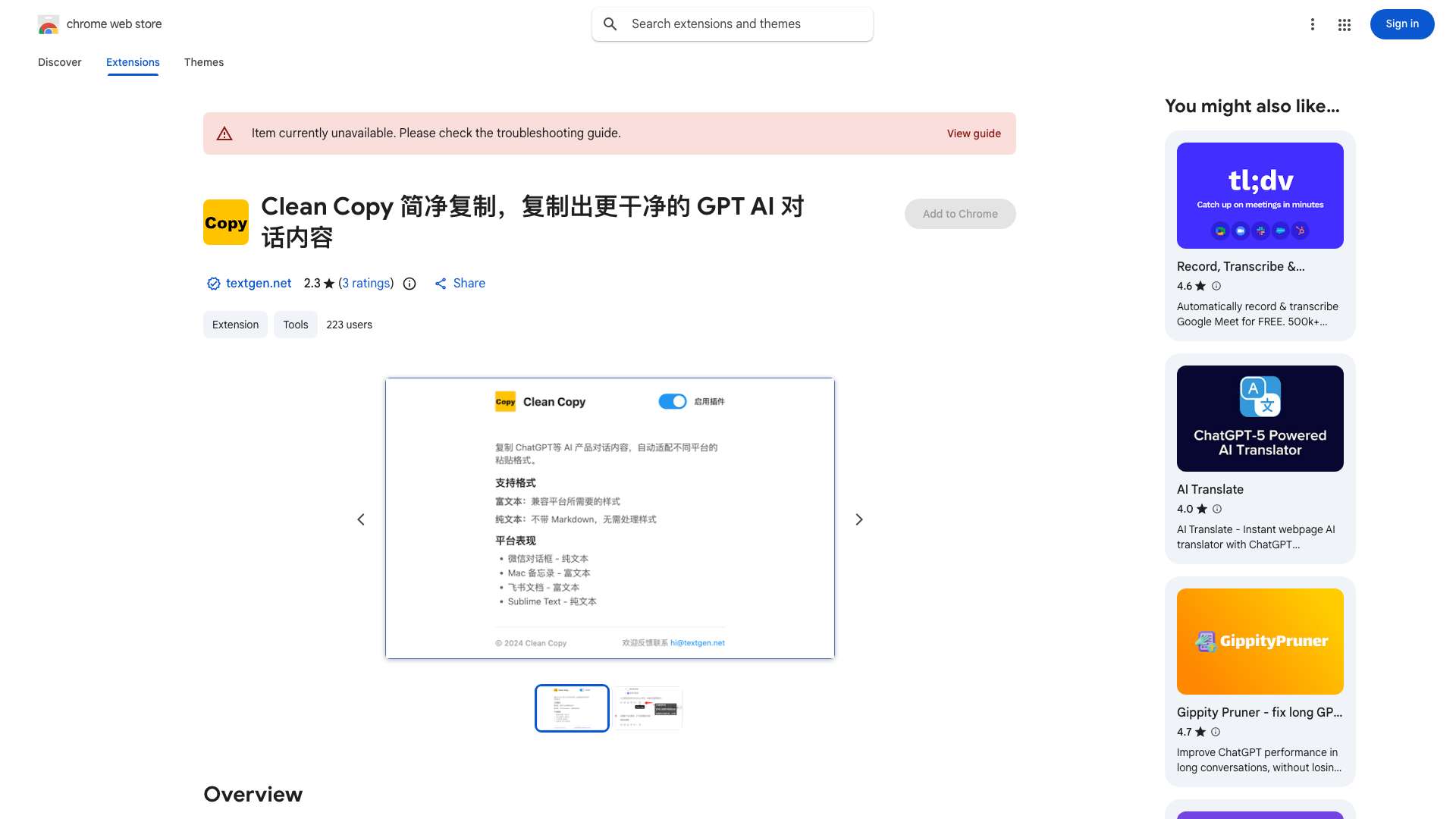
- One-click copy: Adds a dedicated copy button to each AI response.
- Intelligent conversion: Automatically recognizes and converts Markdown format.
- Dual format support: Simultaneously generates rich text and plain text, automatically adapting to the target platform.
- Quick switch: Enable/disable the plugin at any time via the browser toolbar.
How to use Clean Copy?
1. Install the plugin, and a copy button will automatically appear on the AI conversation page. 2. Click the button to copy the content. 3. The most suitable format will be automatically used when pasting.
Alternative Tools
No alternative tools found
Pros & Cons
No Data
Use Cases
- Automatically convert to plain text in WeChat dialog boxes.
- Retain rich text format in Mac memos.
- Retain rich text format in Feishu documents.
- Automatically convert to plain text in code editors.
Clean Copy Pricing
Free PlanSubscription Plan
No detailed pricing information available
User Reviews
3.0
out of 5
3.0
No reviews yet
Be the first to review this tool!