



Figflow
Transform design files into user stories effortlessly.
Score
60
User Rating
3.0
Free/Trial Support
Supported
Starting Price
--
Last Updated
Sep 02, 2026
Overview
What is Figflow?
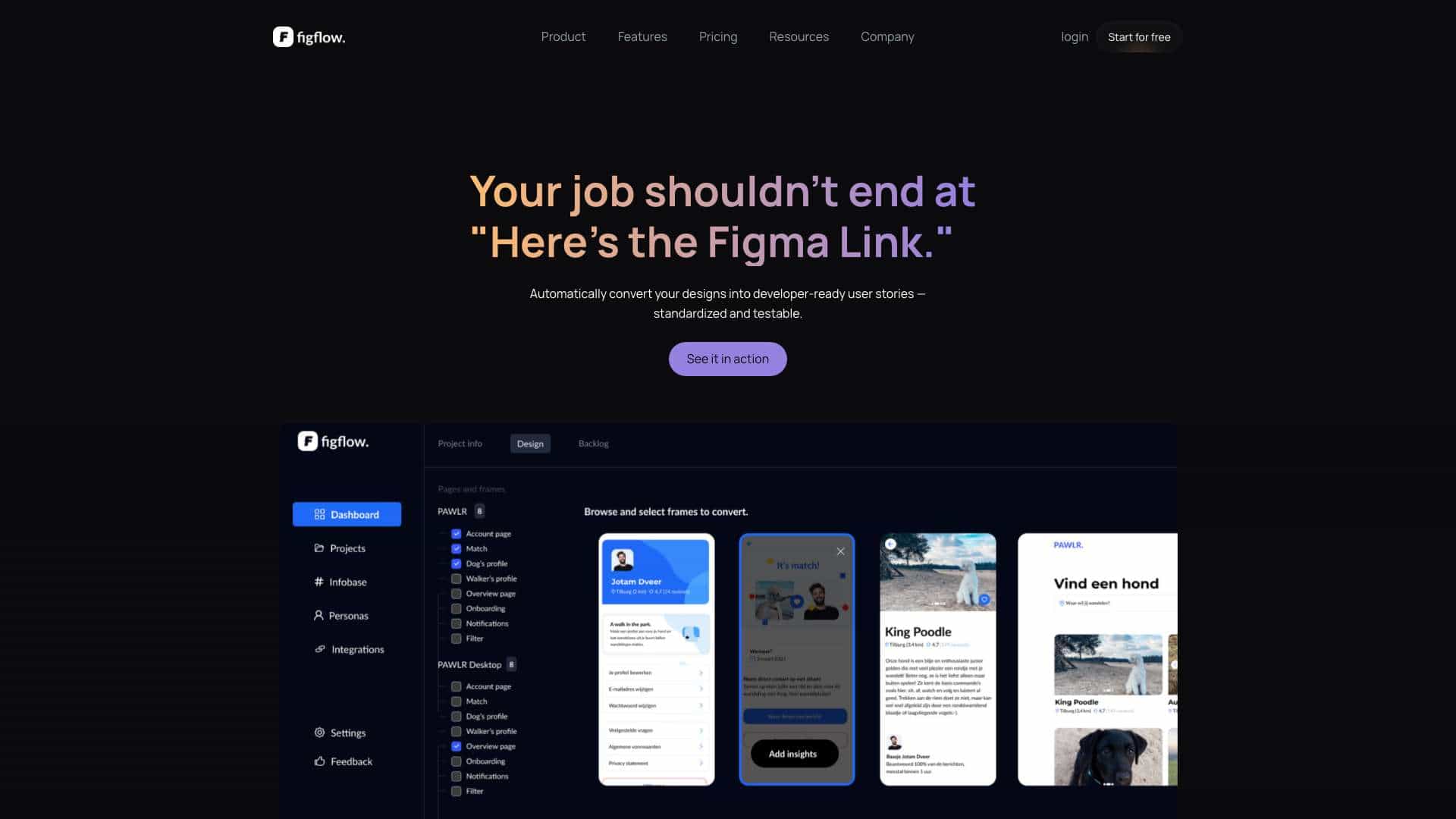
Figflow translates Figma designs into dev-ready user stories. It automates the workflow, bridges the gap between design and development, and helps teams ship faster. It converts designs into structured user stories in seconds, generates documentation, and facilitates collaboration.
What is Figflow used for?
Top Features
- Figma to User Story Translation
- Automated Documentation Generation
- Story Point Estimations
- Infobase Integration
- Persona Integration
- AI Assistant
- Backlog Sharing
How to use Figflow?
Connect your Figma account to Figflow, share your design link, and Figflow will convert your designs into dev-ready user stories and project docs.
Alternative Tools
No alternative tools found
Pros & Cons
No Data
Use Cases
- Converting Figma designs into developer-ready user stories
- Generating acceptance criteria, definition of done, and test scenarios automatically
- Sharing backlogs with clients, developers, and stakeholders via a simple link
- Exporting user stories and documentation into professional PDFs
- Estimating the complexity of designs using AI
- Integrating guidelines, technical docs, and specs into structured PRDs
- Designing user stories based on defined personas
- Refining user stories with an AI assistant
Figflow Pricing
Free PlanSubscription Plan
No detailed pricing information available
User Reviews
3.0
out of 5
3.0
No reviews yet
Be the first to review this tool!