


SalesForce Lightning
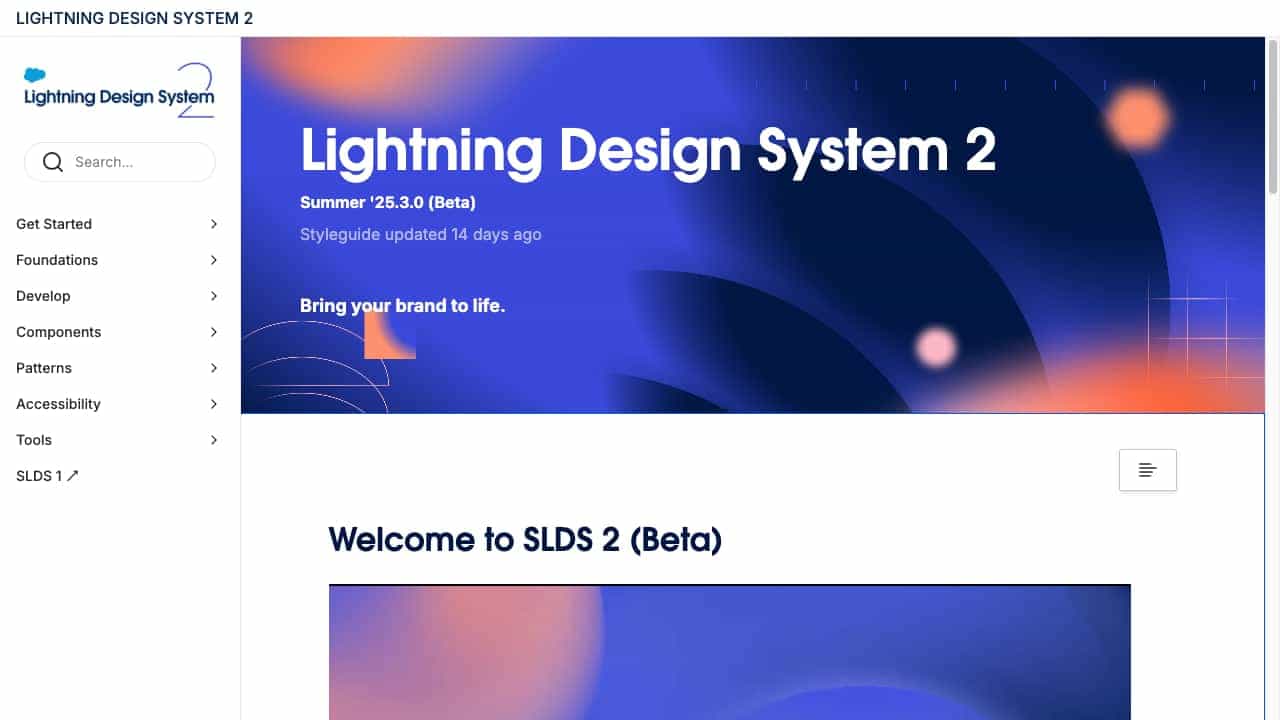
Salesforce Lightning Design System (SLDS) is a comprehensive UI framework for building consistent, accessible, and scalable applications on the Salesforce platform.
What is SalesForce Lightning?
Salesforce Lightning Design System (SLDS) is a design system that provides a set of guidelines, components, and tools to help designers and developers create user interfaces that are consistent with Salesforce's Lightning experience. It includes foundations like color and typography, reusable components, patterns for common interactions, and accessibility standards to ensure applications are usable by everyone.
How to use SalesForce Lightning?
To use SLDS, start by exploring the styleguide and documentation to understand the foundations and components. Designers can use the provided tools and guidelines to create mockups, while developers can implement the components using the available code snippets and styling hooks. Integrate SLDS into your Salesforce projects to maintain consistency and improve accessibility across applications.
Top Features
- Comprehensive UI components
- Accessibility guidelines
- Design and developer tools
- Patterns for common interactions
- Global styling hooks
Pros & Cons
Pros
- Ensures consistency across applications
- Improves accessibility compliance
- Saves development time with reusable components
- Well-documented with extensive resources
Cons
- Primarily tied to Salesforce ecosystem
- May have a learning curve for new users
Use Cases
- Building Salesforce applications
- Creating accessible web interfaces
- Developing consistent UI designs for teams
User Groups
No Data
SalesForce Lightning Pricing


Cover Preview
SALESFORCE LIGHTNING Features
- Design System functionalityDesign System