Toolidx
HomeSavedTagsGroups
AIDesignDataGeneralDevLegalMedicine
  • Home
  • All Categories
  • Top Tools
Toolidx
  1. Home
  2. Essential Software
  3. ScreenStyler - Windows
  • Essential Software
ScreenStyler - Windows

Join our newsletter

Get the latest updates on new tools and in-depth comparisons delivered to your inbox.

By subscribing, you agree to our Privacy Policy

AI Tool Deck Logo

On a mission to help you work smarter with the right tools. Helping you to choose the right tools for your job, your company & your needs with over 10+ years experience.

Company

  • About
  • Contact
  • Terms of Use
  • Privacy Policy

Top Reads

  • Best Project Management Tools
  • Best AI Daily Planning Software
  • Best AI Meeting Tools
  • Best CRM Software for Teams
  • Best AI Note-Taking Software
  • Best AI Email Management Tools
  • Best Productivity Tools for ADHD

Featured Tool

© 2026 Tool IDX. All rights reserved.

Notion

Notion

A new tool that blends your everyday work apps into one. It's the all-in-one workspace for you and your team.

Sponsored
Back to Home|
  1. Home
  2. Essential Software
  3. ScreenStyler - Windows
ScreenStyler - Windows

ScreenStyler - Windows

A free, ad-free tool for easily customizing Windows desktop styles with visual simplicity and safety.

Update Tool
Visit Website
Score
60
User Rating
3.0
Free/Trial Support
Supported
Starting Price
--
Last Updated
Aug 04, 2026
OverviewTop featuresHow to usePros & consWho usesUse casesPricingAlternative toolsUser reviews0

Overview

What is ScreenStyler - Windows?

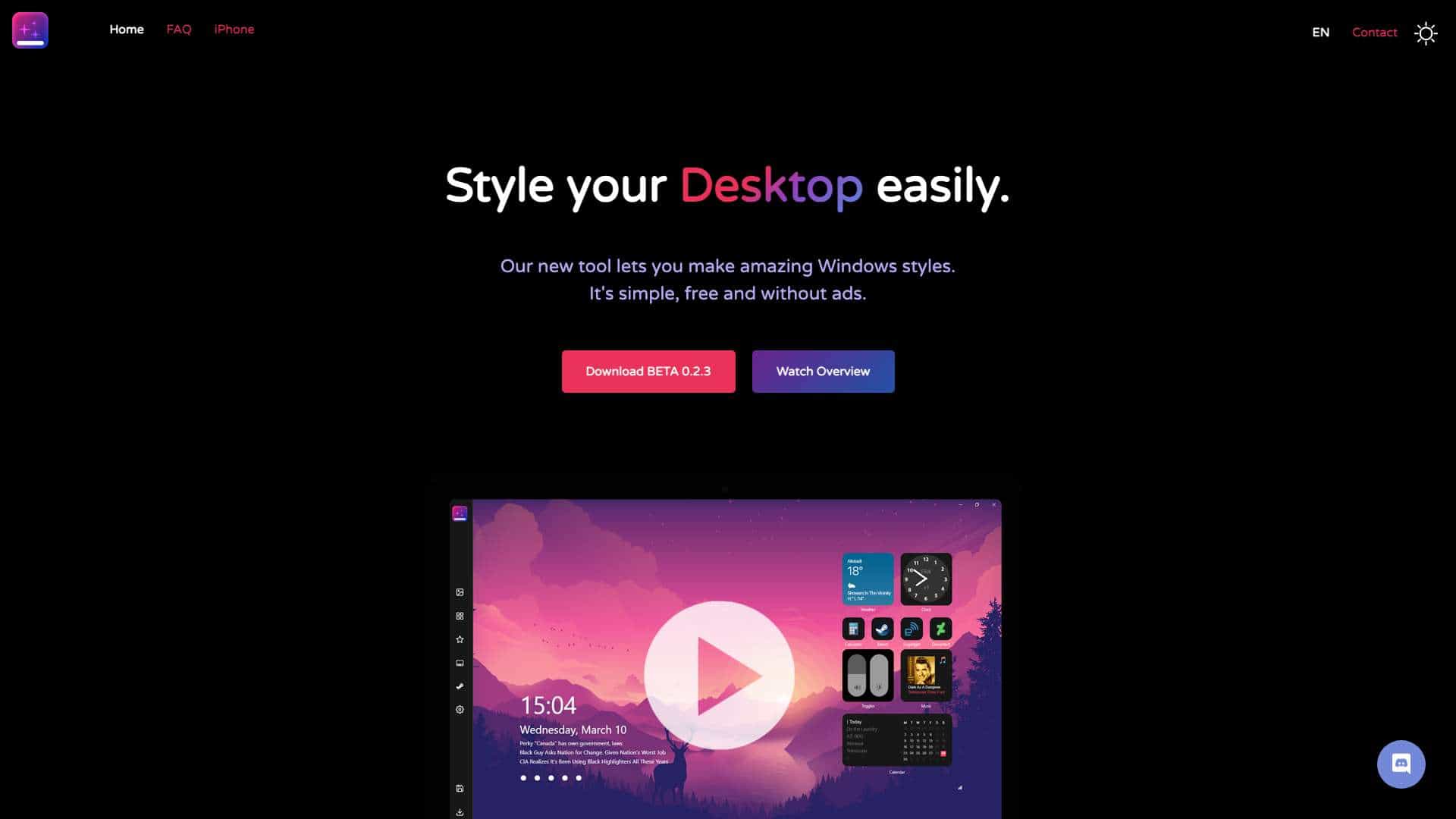
ScreenStyler is a Windows tool that simplifies desktop personalization, making it accessible for everyone, not just tech-savvy users, by offering easy styling options.

What is ScreenStyler - Windows used for?

Essential Software

Tags

Desktop Customizationwindows-stylingVisual DesignPersonalization

User Groups

NerdsCasual Users
ScreenStyler - Windows cover

Top Features

  • mega easy to use
  • fully visual
  • Day / Night modes
  • Rocket Dock
  • Compact Styling Interchange Format
  • Performance Check
  • Share your styles
  • Fancy Walls
  • Steam Styling
  • Light as heck
  • Premade Templates
  • multi language
  • Wallpaper Filters

How to use ScreenStyler - Windows?

Download the BETA version, use the visual interface to apply styles, templates, and features like Day/Night modes, and share creations with others.

Alternative Tools

No alternative tools found

Pros & Cons

Pros

  • Free and ad-free
  • Simple and safe to use
  • High customizability
  • Visual interface
  • Community sharing

Cons

  • Currently in BETA
  • Limited to Windows platform

Use Cases

  • Personalizing Windows desktop for individual users
  • Creating and sharing styles in a community

ScreenStyler - Windows Pricing

Free Plan
No detailed pricing information available

User Reviews

3.0
out of 5
3.0

No reviews yet

Be the first to review this tool!