



Tempo
AI-powered design tool for collaborative coding and app development.
Score
60
User Rating
3.0
Free/Trial Support
Supported
Starting Price
--
Last Updated
Aug 13, 2026
Overview
What is Tempo?
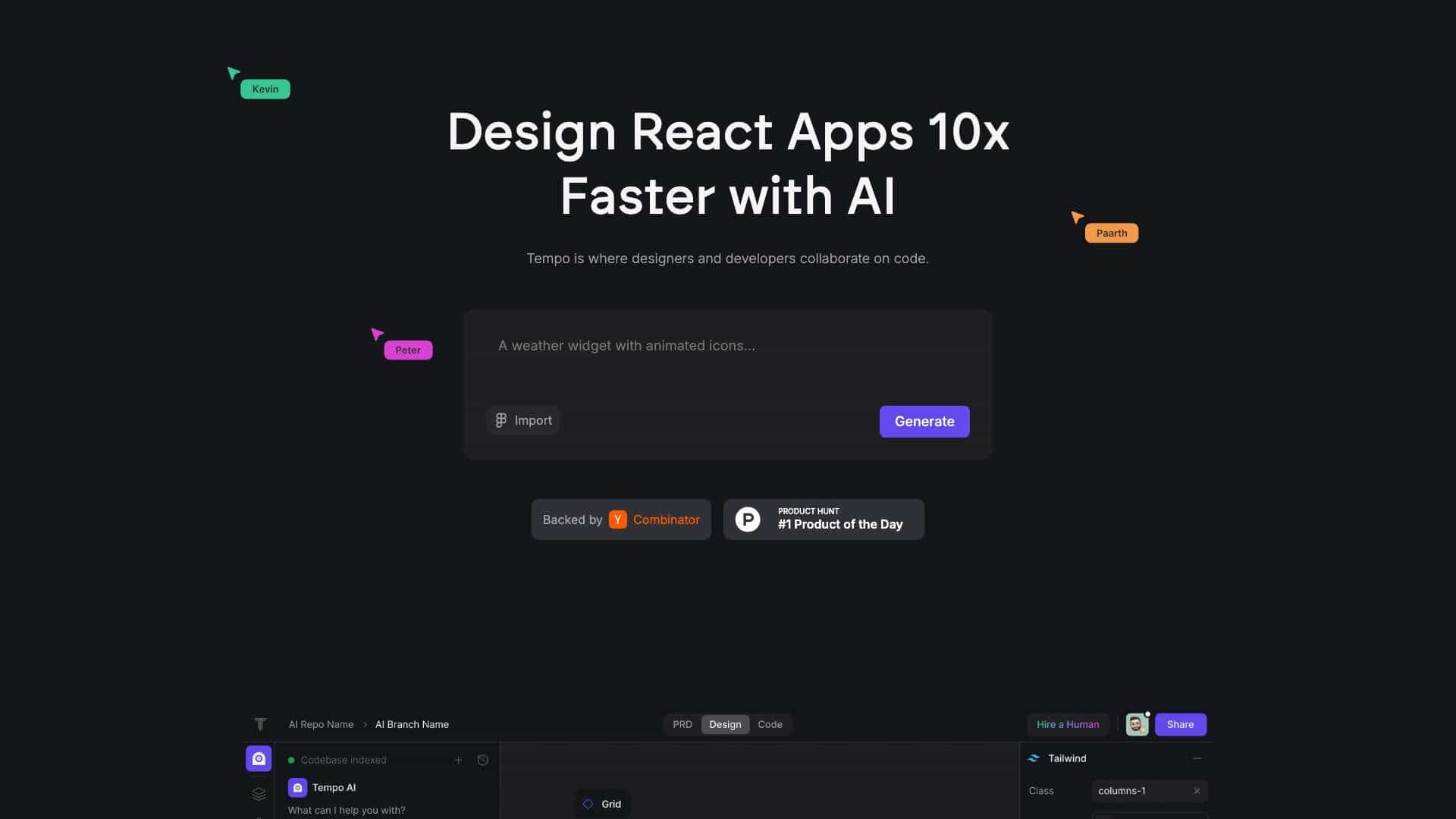
Tempo is a code-first alternative to Figma that gives PMs, designers, and engineers the ability to collaborate visually on code. It offers the familiar UX of a design tool but functions like an IDE under the hood. Tempo is optimized for Vite and Tailwind. Discover AI-powered tools at Tempo to prompt, develop, and design code effortlessly. Collaborate seamlessly with advanced solutions for faster, smarter web development. Tempo is where designers and developers collaborate on code.
What is Tempo used for?
Tags
Top Features
- AI-powered code generation
- Visual code editing with drag-and-drop
- React component library
- Design system integration
- Collaboration features for designers and developers
- VSCode integration
- GitHub integration
How to use Tempo?
Use Tempo to import designs, generate code, edit code visually with a drag-and-drop editor, and collaborate on React codebases. You can also open the code in VSCode and push it to GitHub.
Alternative Tools
No alternative tools found
Pros & Cons
No Data
Use Cases
- Building React applications faster with AI assistance
- Creating interactive prototypes
- Developing and maintaining design systems
- Collaborating on code visually
- Generating full-stack apps from text or image prompts
Tempo Pricing
Free PlanSubscription Plan
No detailed pricing information available
User Reviews
3.0
out of 5
3.0
No reviews yet
Be the first to review this tool!